Open an stc business account
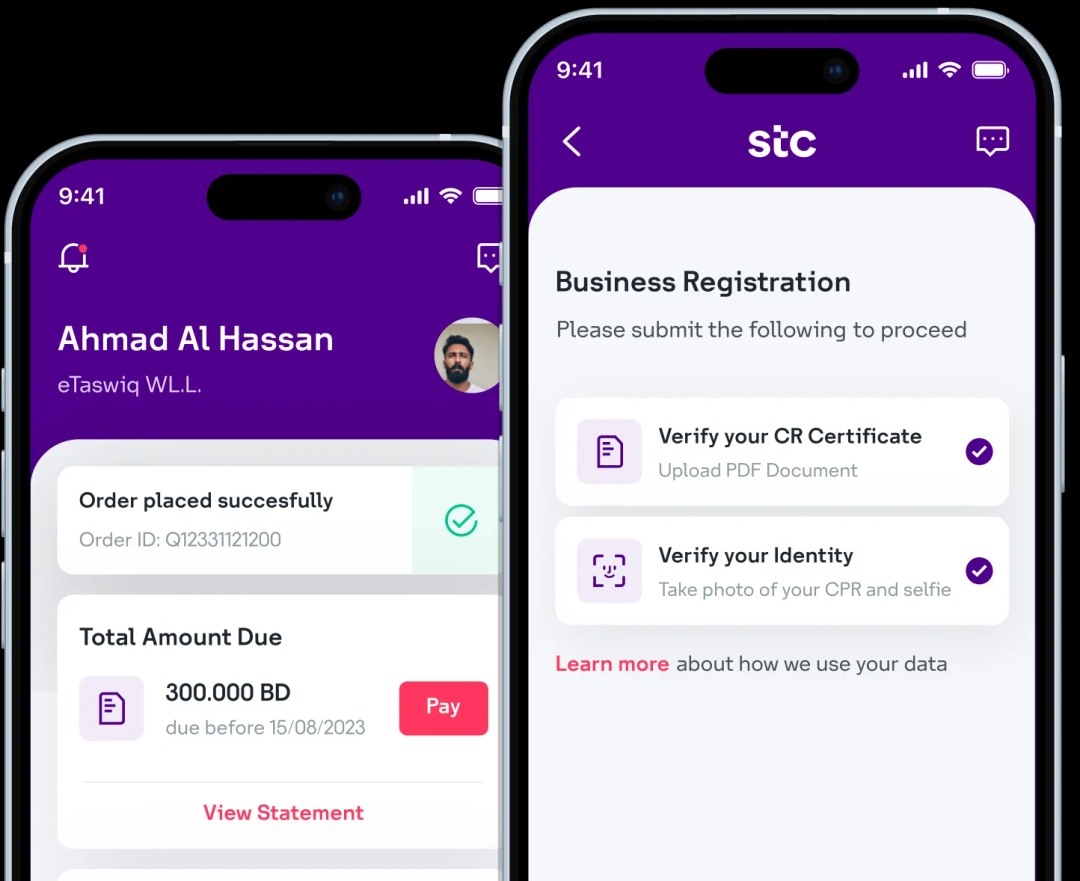
Download the stc Business BH app and digitally onboard your business with stc in less than 5 minutes!
Step 1: Visit the login page and click on the Sign Up button to get started.
Step 2: Click on Sign up under “Existing Customer”.
Step 3: Select Authorized Signatory from the role options and click Continue.
Step 4: Enter the mobile number (User ID) authorized with stc. Click Continue.
Step 5: Click Send OTP.
Step 6: Enter the OTP (One-Time Password) you received on your mobile number. Click Continue.
Step 7: Enter (or edit) the email address authorized with stc for email verification. Click Send OTP.
Step 8: Enter OTP (One-Time Password) received in your email. Click Continue.
Step 9: Set and confirm your password. Click Continue to complete your registration.

Scan to download now
Download the stc Business BH app and digitally onboard your business with stc in less than 5 minutes!