Open an stc business account
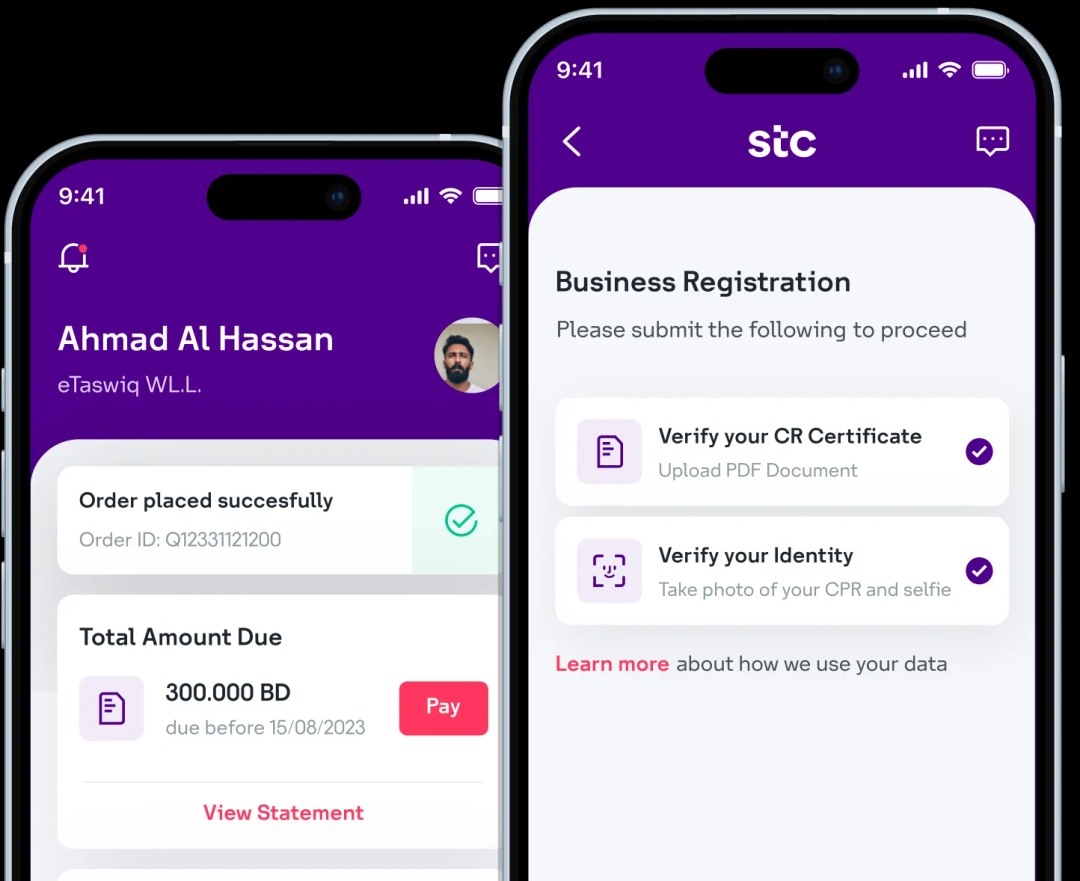
Download the stc Business BH app and digitally onboard your business with stc in less than 5 minutes!
Step 1: Log in to the self-care portal, click on Manage Organization, and select the Secondary Admins sub-tab.
Step 2: Click + Add New Admin.
Step 3: Fill in all the Admin details fields.
Step 4: Adjust the permissions by checking or unchecking the relevant checkboxes.
Step 5: Click Add in the bottom-right corner to complete the process.
Note: The new account must be activated by verifying your email address. Click the Verify Email button in the email sent to you.

Scan to download now
Download the stc Business BH app and digitally onboard your business with stc in less than 5 minutes!