Open an stc business account
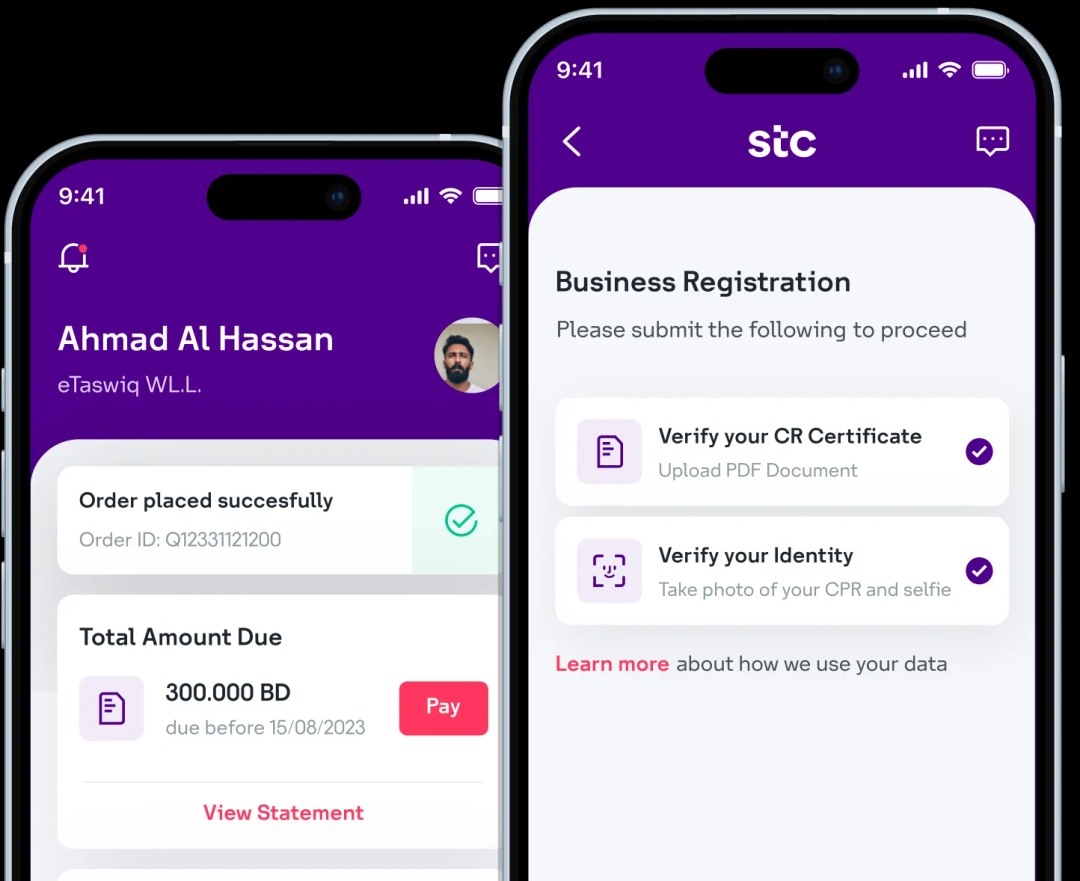
Download the stc Business BH app and digitally onboard your business with stc in less than 5 minutes!
Step 1: Log in to the self-care portal and click on Settings in the navigation menu (or tap on the My Account icon in the bottom nav bar in the mobile app)
Step 2: Select the Change Password tab (or tap on Account security in the mobile app and tap on Change in the password field
Step 3: Enter your current password in the Current Password field.
Step 4: Enter the new password in the New Password and Confirm New Password fields.
Password Requirements:
- Minimum 8 characters (a-z)
- Minimum 1 number (0-9)
- Minimum 1 special character (@#<> etc.)
- Minimum 1 capital letter (A-Z)
- Ensure both password entries match
Step 6: Click Change Password to save the new password. User Access and Permissions

Scan to download now
Download the stc Business BH app and digitally onboard your business with stc in less than 5 minutes!