Open an stc business account
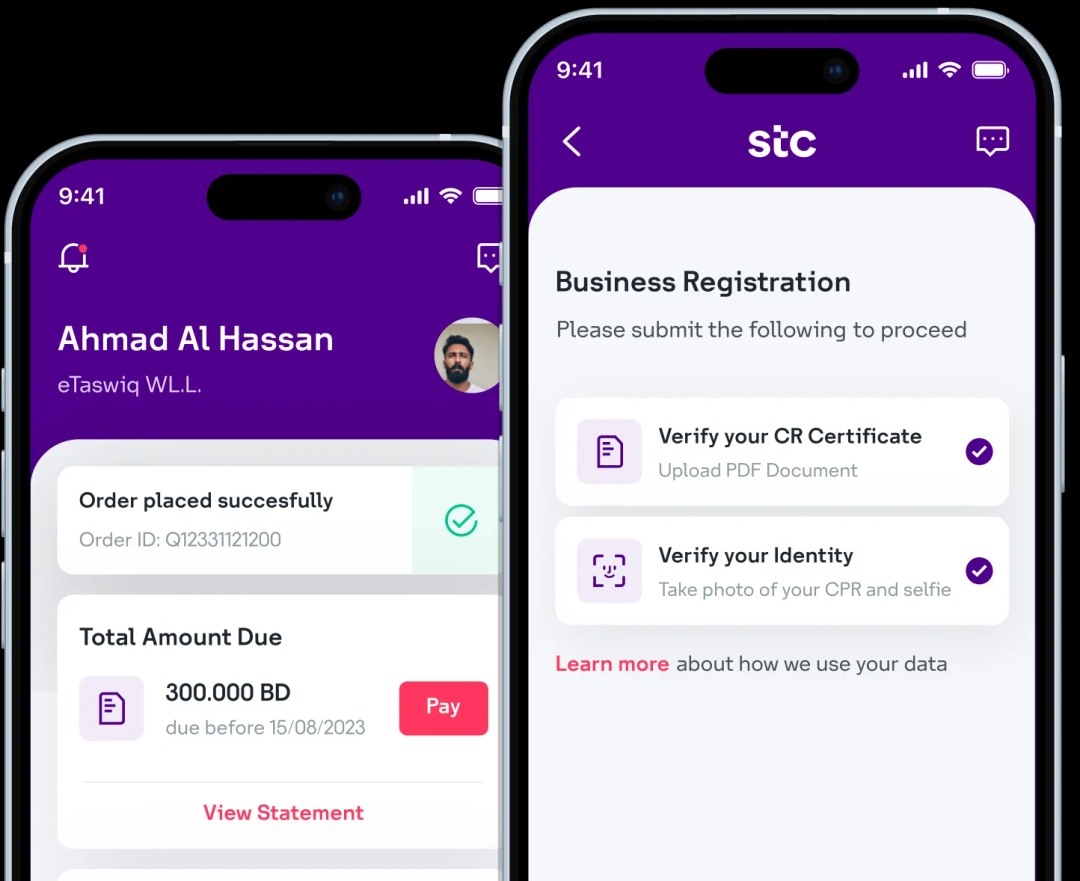
Download the stc Business BH app and digitally onboard your business with stc in less than 5 minutes!
Step 1: Visit the log in page and click Forgot password?.
Step 2: Enter the mobile number associated with your stc account.
Step 3: Click Reset Password to initiate the password reset process.
Step 4: Enter the OTP sent to your registered mobile number for verification.
Step 5: Enter the new desired password in the designated password field.
Password Requirements:
- Minimum 8 characters (a-z)
- Minimum 1 number (0-9)
- Minimum 1 special character (@#<> etc.)
- Minimum 1 capital letter (A-Z)
- Ensure both password entries match
Step 6: Click Change Password to save the new password.

Scan to download now
Download the stc Business BH app and digitally onboard your business with stc in less than 5 minutes!