Open an stc business account
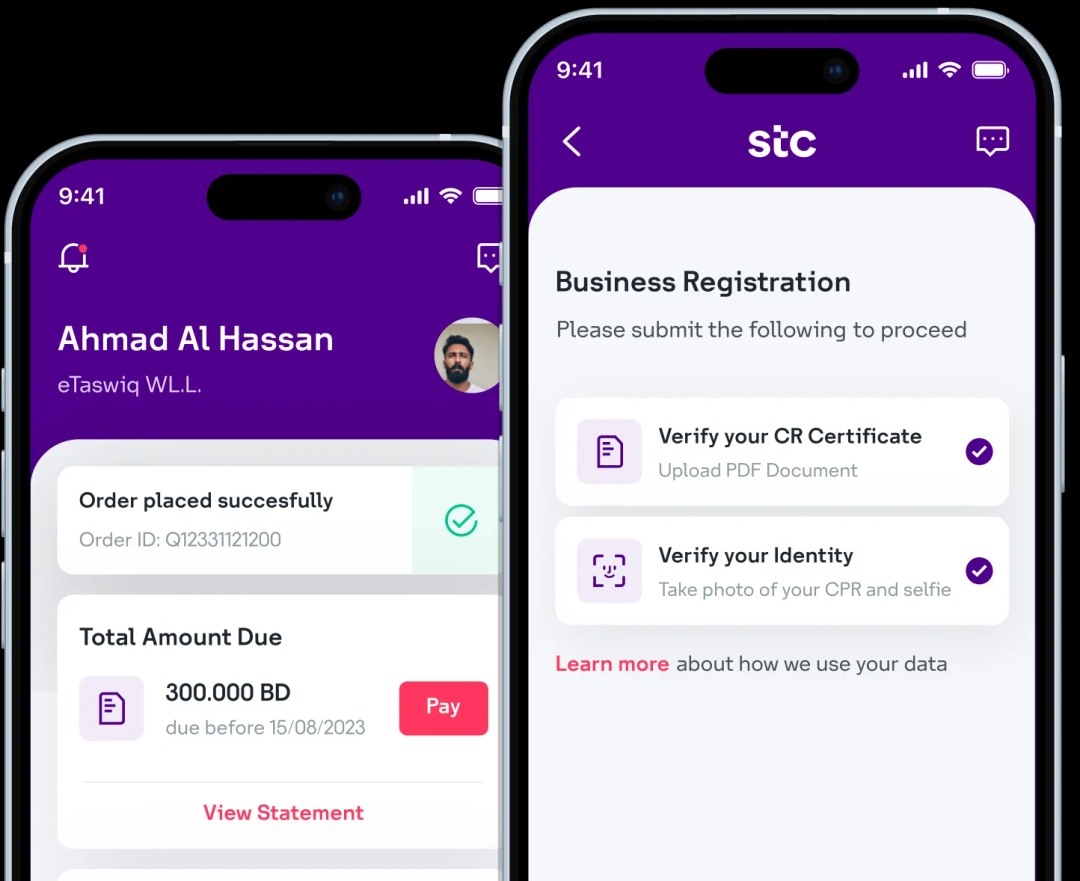
Download the stc Business BH app and digitally onboard your business with stc in less than 5 minutes!
Step 1: Log in to the self-care portal and navigate to Manage Organization in the side menu.
Step 2: Select the Secondary Admins sub-tab to view all secondary admin accounts.
Step 3: Locate the user account you wish to remove and click Delete.
Step 4: Review your choice, then click Confirm to deactivate the account.

Scan to download now
Download the stc Business BH app and digitally onboard your business with stc in less than 5 minutes!