Open an stc business account
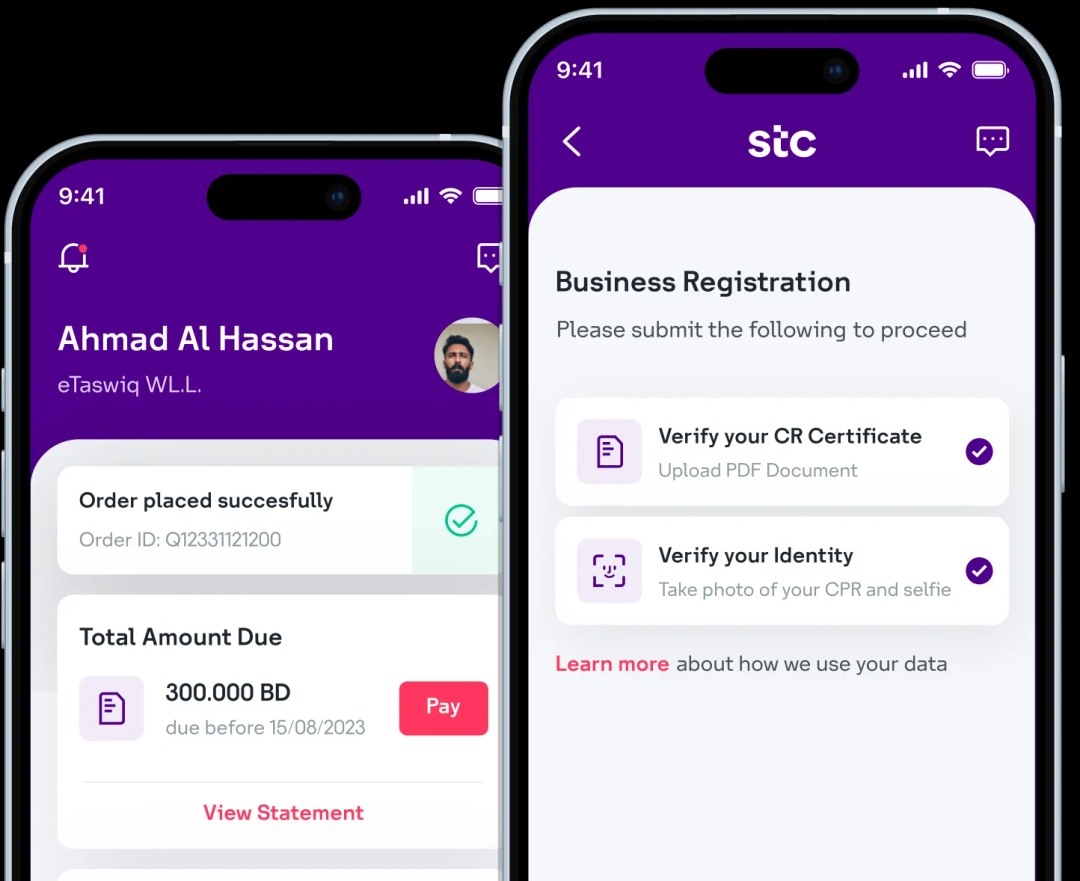
Download the stc Business BH app and digitally onboard your business with stc in less than 5 minutes!
Step 1: Log in to the self-care portal and navigate to Manage Organization in the menu.
Step 2: Select the Secondary Admins sub-tab to view all secondary admin accounts.
Step 3: Locate the secondary admin account you wish to modify and click on Edit.
Step 4: Review the current permissions and check or uncheck the relevant boxes to update the permissions.
Step 5: Once you've made the desired changes, click Save to apply the updates.

Scan to download now
Download the stc Business BH app and digitally onboard your business with stc in less than 5 minutes!